





Real Estate CRM brings Facebook Lead Ads, WhatsApp Business, and your team into one place. Stop switching tabs, missing replies, or losing leads—manage everything from a single dashboard and close more deals.
Leads come from Facebook ads, WhatsApp, and your website—but most CRMs don’t connect them. You end up copying numbers, losing context, and replying late. We built Real Estate CRM so you get every lead in one pipeline, reply from one place, and keep your team aligned without extra tools.
Everything you need to capture, manage, and close real estate leads—with native Meta and WhatsApp support and a single place for your team.
Every lead from Facebook Lead Ads, WhatsApp, or your forms appears in one pipeline. You see who they are, where they came from, and what stage they’re in—new, contacted, qualified, or closed. Add notes, assign owners, and move leads through stages so nothing falls through the cracks.
We sync lead data from Meta so names, emails, and phone numbers are filled automatically. Your team can filter by source, date, or status and export when needed. No more spreadsheets or copying from Facebook Ads Manager into another tool.
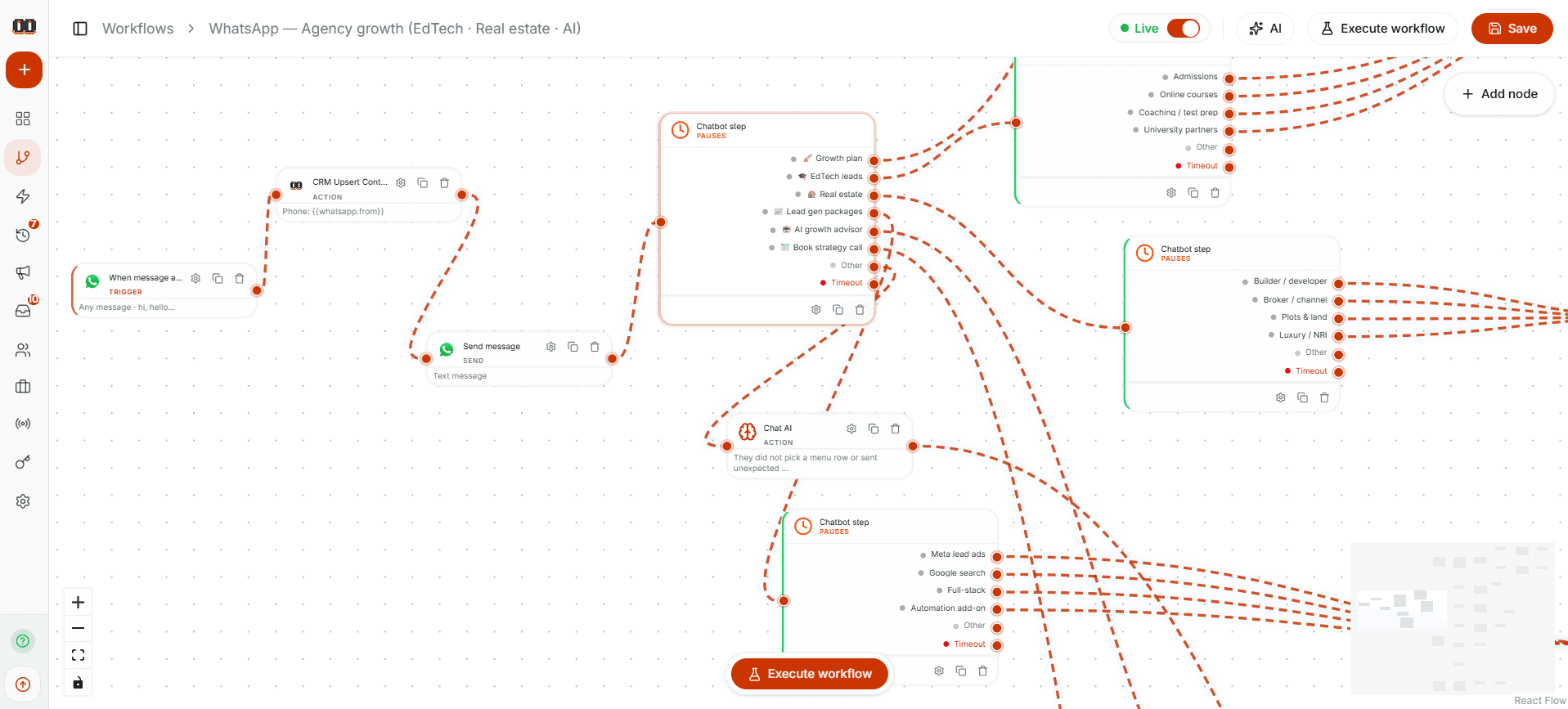
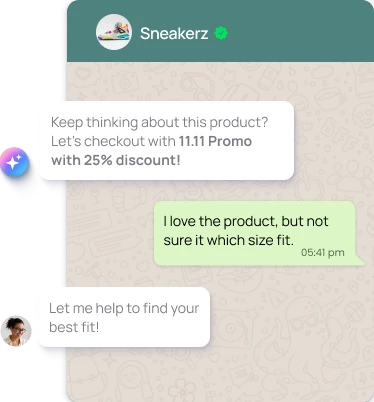
Connect your WhatsApp Business account and Meta (Facebook) in one OAuth flow. Once connected, you can receive and send WhatsApp messages from inside the CRM, and we link conversations to the right lead so your team has full context.
We use the official Meta app and WhatsApp Business API. You grant permissions once; we handle tokens and webhooks. Lead Ads data flows into the same pipeline, so a lead from Facebook and a WhatsApp chat are one contact, not two separate entries.
Create an organization, invite agents and admins, and set roles so everyone sees the right data. Admins manage users and settings; agents work leads and conversations. You can run multiple organizations (e.g. by brand or region) and switch between them without logging in again.
Invites are sent by email. New members join the org and get access based on their role. Permissions control who can connect WhatsApp, change pipeline stages, or manage users—so assistants and junior agents stay within safe limits.
The CRM is built for agents and brokers: leads are contacts with status, source, and notes; you can track which property or campaign they came from and keep all communication in one thread. The dashboard gives you a clear view of what’s new, what’s in progress, and what’s closed.
Use it for residential, commercial, or rentals—same pipeline, same team tools. Add custom fields or tags later if you need them. Everything is stored securely and backed by the same permissions and audit trail your team already uses.
We provide a full Privacy Policy, Terms and Conditions, and Data Deletion instructions so you can pass Facebook App Review and use our app with real users. Our data deletion flow explains how users can request account and data removal—by email or in-app—and we support Meta’s User Data Deletion Callback so deletions triggered from Facebook are processed automatically.
We don’t sell your data or use it for third-party advertising. Data is encrypted in transit and access is role-based. You can point reviewers and users to our public pages for privacy, terms, and data deletion anytime.
From signup to first lead in three steps. No complex setup—just connect your Meta and WhatsApp and start managing.
Sign up with your email (or use Facebook Login). Create an organization—your agency or team—and add a name. You can invite team members right away or after connecting Meta and WhatsApp. Each member gets a role (admin or agent) so you control who manages settings and who handles leads.
In the dashboard, start the “Connect WhatsApp” or Meta connection flow. You’ll sign in with Facebook (if needed) and grant permissions for WhatsApp Business and lead access. We use one Meta app, so one OAuth covers both. After approval, your WhatsApp number and Lead Ads are linked—new leads and messages show up in the CRM automatically.
New leads appear in your pipeline with their contact info and source. Open a lead to see the full thread—WhatsApp messages and Lead Ads data together. Reply to WhatsApp from the CRM, update status, add notes, and assign to a team member. Your whole team sees the same view so no one misses a follow-up.
Independent agents, small teams, and brokerages that run Facebook and WhatsApp for leads and want one system to manage them—without juggling Ads Manager, WhatsApp Business app, and a separate CRM.
You run Lead Ads or WhatsApp and need a single place to store leads, reply to messages, and track status. Real Estate CRM gives you one pipeline, one inbox, and simple roles so you or a part-time assistant can work from the same data.
Multiple agents, one WhatsApp number or several Lead Ad campaigns—you need permissions and visibility. Create an organization, invite agents, assign leads, and keep admins in control of Meta/WhatsApp connection and settings while agents focus on closing.
We publish a full Privacy Policy, Terms and Conditions, and Data Deletion instructions so you and your users know how we handle data. These pages are written to meet Meta’s App Review requirements and general best practices.